Screens & Sleep
Notifications at Night: What One Buzz Does to Sleep
By Nora Vale · October 21, 2025 · 7 min read
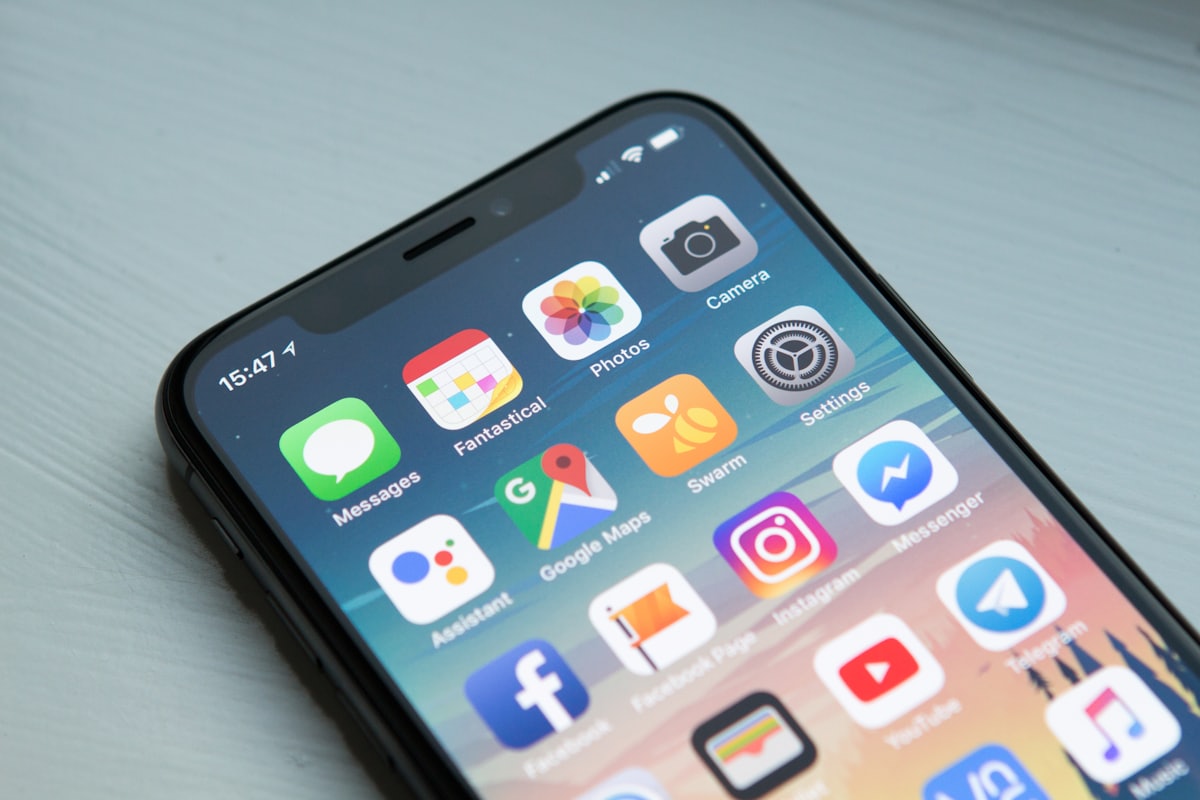
The buzz that ended my trust in nightstand charging came at 10:52 on an ordinary Tuesday. A shopping app, celebrating a price drop on something I’d forgotten I wanted. I was already asleep, and I know the time because I checked, which is the second problem with buzzes: they recruit you as your own forensics team. I lay there doing the arithmetic of how long it would take to fall back, and the shopping app won, because the alert cost me the buzz and the waking and the twenty minutes of math afterward. All for a price drop. If your notifications night shift has been running unopposed, this post is what one buzz actually costs, and the setup that ends the shoulder taps. The wider frame is in the screens and sleep guide.
Key takeaways
- The brain keeps processing sound in sleep, so a buzz fragments the night even when you don’t remember waking.
- Every notification is someone tapping your shoulder at a time they chose, and almost none of it survives until breakfast.
- Silent mode is a half measure: the buzz travels through wood, and the lit screen in a dark room is worse than the sound.
- Emergencies are planned, not hoped for: two names on an allow list, ringer through the wall.
- The docked phone ends the night shift in one motion, and the decision is made in daylight or not at all.
What one buzz actually does
The buzz works on a sleeping brain more than the waking one credits. Sleep isn’t unconsciousness; it’s a state where the brain keeps monitoring, and sound gets processed and evaluated all night, with the threshold lowered for noises that matter, a baby’s cry, your name, the doorbell’s frequency. A notification chime lands in that machinery as a stimulus with no closure: the brain surfaces toward it, evaluates, and either wakes or settles back, and the surfacing itself costs. The deepest sleep of the night comes in the first hours, and that’s exactly the window a buzzing phone sits in.
The wakes you notice are the visible part. The fragments you don’t remember, the brief surfacing, the shift, the heart-rate tick, still fragment the architecture, and the bill arrives as a morning you can’t explain. I’ve had mornings that felt unearned and wrong, where the night “should” have been enough, and the answer was three alerts I slept through and never knew about. The phone keeps the log. Your brain keeps the fatigue.
And if the buzz wakes you fully, the costs compound, because the waking version of you has a phone in the bed. The 3 a.m. check is its own chapter of damage, and the honest accounting of it is in the 3am phone check: what it costs your sleep. The buzz is the door; the feed is what walks through it.
Why every notification is someone else’s timing
Here’s the frame that finally made the whole category unbearable to me, in the useful way: a notification is somebody tapping your shoulder at a time they chose. Not the sender, usually, the sender fired it hours ago without thought, but the system that decided this message deserved a shoulder tap now, at 10:52, in a dark room, next to a sleeping person. The timing was never yours. That’s the product.
Look at what actually arrives, and the urgency deflates on contact. The school notice keeps until it can be answered. The group thread will hold. The package is still arriving. The argument will still be an argument at breakfast, and knowing its contents at 10:52 changes nothing except the night. Nothing genuine arrives at 10:40 p.m. that can’t survive until breakfast, and the night’s entire notification load fails that one test, every night, in a row.
The worst offender is a specific one worth naming: the inbox. For plenty of adults the phone at night isn’t entertainment; it’s the school group, the client, the boss who just quickly needs an answer, each arriving on someone else’s timing with a small task and a small deadline attached. That’s not a light problem. That’s a night shift with worse hours, and the night shift has a schedule problem, not an app problem. The on-call version of this, for people whose work genuinely follows them home, gets its own honest treatment in on-call at night: managing screens when work never ends.
The setup that ends it
The fix comes in layers, and the layers are ordered by what actually works. First, the decision, made in daylight: notifications stop at a set hour, because decisions made at 11 p.m., phone already warm in your hand, resolve about as reliably as decisions to have one more drink. Eleven o’clock’s version of you doesn’t get a vote. The schedule is set at nine, or at dinner, on purpose.
Second, the hardware moves, which is the layer that carries the whole fix: the phone goes where it sleeps, docked, kitchen counter, hallway, anywhere that isn’t the nightstand. Distance beats every setting, because a phone across the room can’t tap your shoulder, can’t light your face, and can’t be checked without getting up, and getting up is a cost almost nothing at 10:52 survives. The full docking setup, the ten-dollar clock and all, is in should I charge my phone outside the bedroom.
Third, the exceptions, planned instead of hoped for. If someone might genuinely need you at night, a sick parent, a partner on the road, a kid out past the curfew they’ll deny having, most phones let exactly two names through after a set hour, and the phone can sleep in the hallway with the ringer up: close enough for a real emergency, far enough that the feed needs shoes. A rule you keep beats a rule you admire, and the allow list is how the rule survives contact with a real life. The harm-reduction version is in the phone as your lifeline: harm reduction screens.
What about silent mode, since it’s the setting everyone tries first? It’s a half measure, honestly. The buzz travels through a wooden nightstand like the phone owns it, vibration-on-wood is louder than any ringer you’d admit to, and the lit screen in a dark room is worse than the sound it replaced. Silent mode treats the noise and leaves the shoulder. The dock treats the shoulder.
Honest limits
The limits, because notifications deserve contempt but the people receiving them don’t. Some jobs are genuinely on call, and a blanket rule that ignores that loses to the pager every time; the fix there is a scheduled, explained boundary, not an app setting, and pretending otherwise is how rules get abandoned by Wednesday. Shared households complicate the dock: a partner who texts goodnight at eleven is not a notification problem to be solved at them, it’s a two-person conversation, and the hallway compromise gets made together or not at all.
And the honest ceiling of the whole layer: killing notifications fixes the shoulder taps and the fragments, and it doesn’t fix a phone that lives in your hand until 11:30 by choice. The buzz was the interrupt; the feed is the habit, and the feed has its own post. What the notification fix buys you is an unbroken first half of the night, which is the deepest sleep you own, and that alone is why it’s the cheapest sleep upgrade in the house. The decision is tonight’s, made in daylight, before the eleven o’clock version of you shows up to negotiate.
This guide is educational, not medical advice. If sleep trouble persists most nights for months, a doctor is the right door, not a better settings menu.
The full system behind this post, the docking rule and the feed, is in the book.
Frequently asked questions
Can a notification actually wake me up?
It doesn’t need to fully wake you. The brain processes sound during sleep, and a buzz pulls you toward the surface even when you don’t remember it, fragmenting the deepest sleep of the night. The bill arrives as a morning you can’t explain.
Why does one buzz feel so urgent at night?
Because every notification is a shoulder tap at a time someone else chose, and a dark room makes any sound feel loaded. Almost none of it has mattered by morning, which is the test the buzz fails every night, in a row.
Is silent mode enough?
It’s a half measure. Vibration on a nightstand travels through wood, and the lit screen in a dark room is worse than the sound it replaced. Silent mode treats the noise and leaves the shoulder. The dock treats the shoulder.
What about genuine emergencies?
Plan them. Most phones let exactly two names through after a set hour, and the phone can sleep in the hallway with the ringer up, close enough for a real emergency and far enough that the feed needs shoes.
What do I do about work notifications?
Set the boundary once, in daylight, and tell the people who need to know. An inbox in the bedroom is a night shift with worse hours, and the schedule that ends it is written down on purpose, not improvised at 10:30.